


Product updates: enhanced Q&A workflows, Arabic support, redaction improvements, and more

Enhanced Q&A workflows: faster setup, greater control
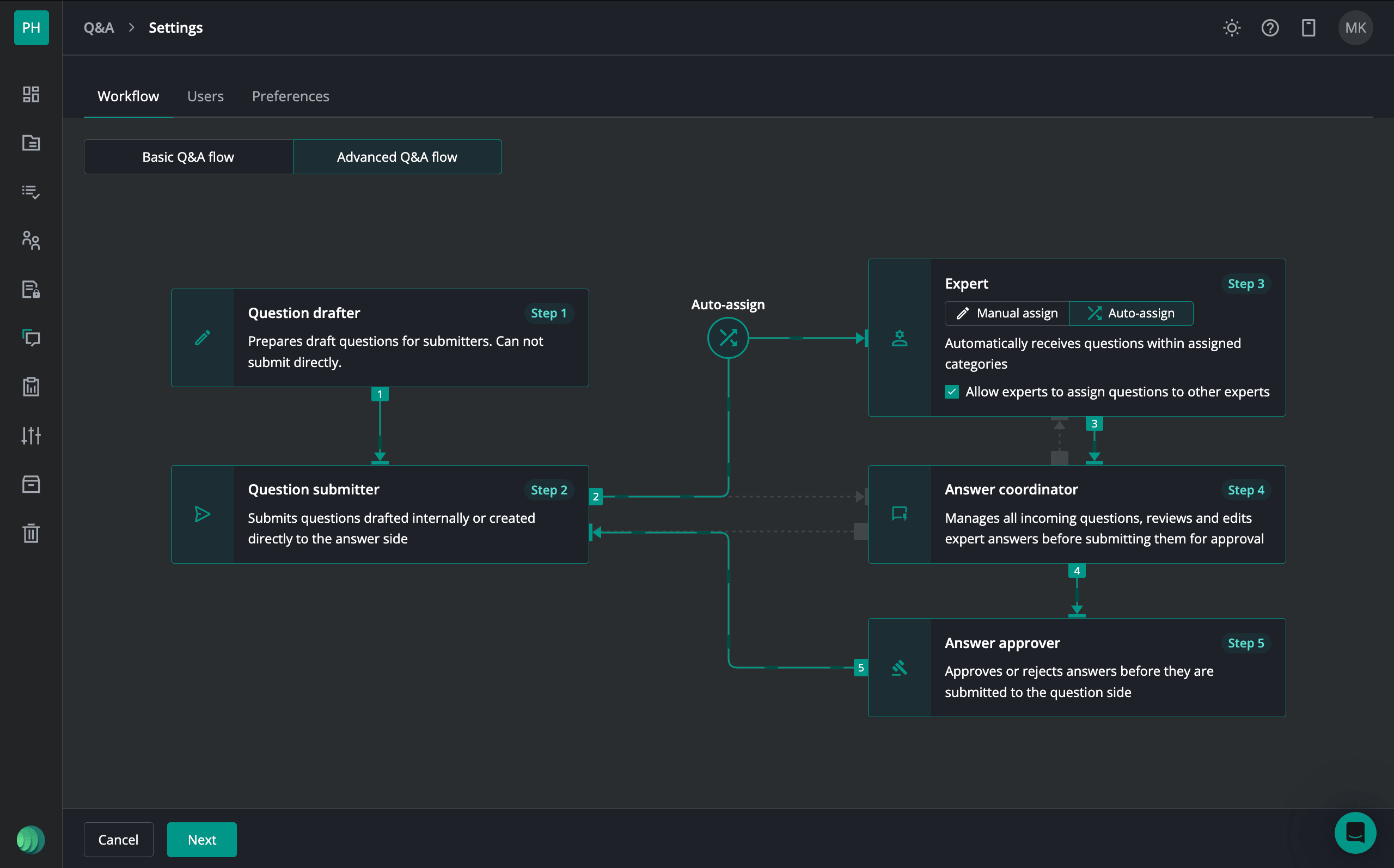
Our Q&A workflows are now easier to set up and manage, with fewer clicks required to select workflows, assign users, and configure categories. The updated interface improves speed and simplicity of Q&A setup.
Additional Q&A updates
- Category management – create, edit, delete, and reorder categories directly from the question list – no need to switch views
- Answer anonymity – hide responder names to maintain confidentiality and reduce off-platform communication risks
- Expert reassignment – reassign questions easily to the right expert and avoid delays in responses
Comments on shared links
We expanded external link sharing to support more interactive and collaborative workflows – particularly for fundraising and investor relations use cases. With this update, external users can now provide feedback on shared content, for example, investors reviewing your pitch deck can leave comments directly on it.
Iterate on redactions with ease
Need to revisit redacted content? The updated Unredact option lets you restore a file to its original state in one click. When you unredact, you choose what happens to your existing redactions:
- Remove redactions permanently – clears all applied redactions and drafts immediately
- Keep redactions as a draft – preserves your redactions so you can review, adjust, and reapply them later
If a file had multiple redactions, they’re automatically consolidated into a single draft and merged with any drafts already in progress, so everything stays in one place.
Arabic now available
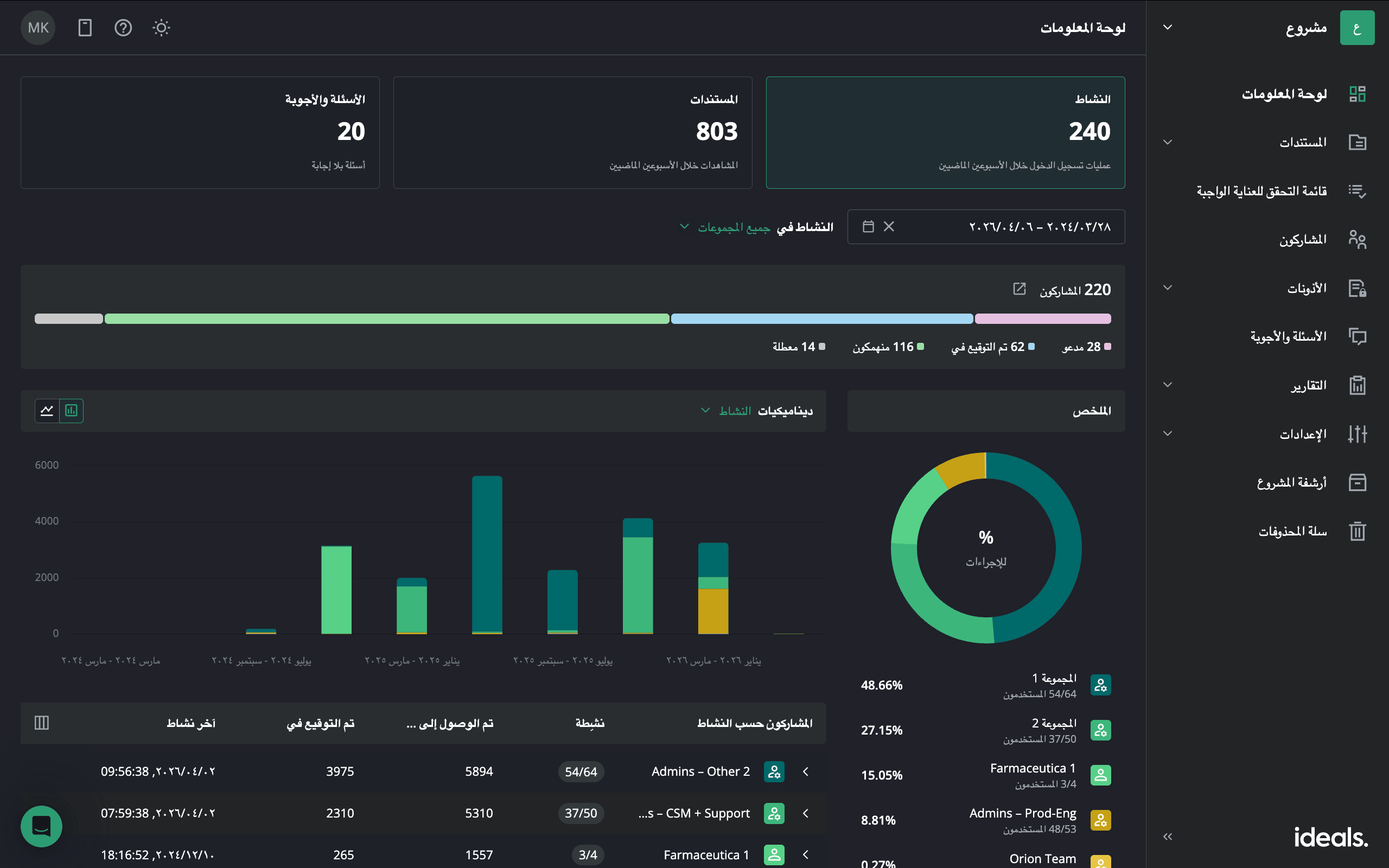
Arabic language support is now available both in the product and in the Help Center.
This update improves accessibility for Arabic-speaking users and supports teams operating across regions that require right-to-left (RTL) interfaces, ensuring a more intuitive and localised experience.
Customise in-app email invitations
We’ve added customisation options for invitation emails, allowing teams to better align communication with their branding. When enabled, users can define:
- Invitation sender alias – the name displayed as the sender
- Contact email (optional) – a clickable email address for recipients
These updates help create a more consistent and professional communication experience for external users.