


Best free virtual data rooms in 2026: Top 7 providers compared

Managing sensitive documents is now part of almost every deal, from fundraising to due diligence. But not every team needs a full-scale paid VDR from day one. In many cases, a simple document-sharing tool or a free virtual data room may be enough to get started, especially when documents are low-risk, the workflow is simple, and the number of external stakeholders is limited.
At the same time, the risks of weak document control remain significant. According to IBM’s 2025 Cost of a Data Breach Report, the global average cost of a data breach was USD 4.44 million in 2025. In the U.S., however, the average breach cost reached a record USD 10.22 million. Free file-sharing tools with limited audit trails, granular access controls, and compliance workflows can carry more risk when used for confidential transactions.
This guide compares the seven free virtual data room providers and general-purpose cloud storage and workspace tools in 2026 — so you can choose what fits your needs without overpaying or under-protecting.
Key takeaways:
- Top free VDR and document-sharing options in 2026 include Ideals, Papermark, Dropbox, Notion, Google Drive, OneDrive, and Koofr.
- The main difference between free and paid VDRs lies in security, permissioning, auditability, support, storage limits, and transaction-specific workflow features.
- A free online data room or document-sharing tool may be suitable for low-risk file storage, simple sharing, early-stage collaboration, or personal use, while a paid VDR is recommended for complex financial transactions or for sharing confidential data with third parties.
A quick overview
These free virtual data room providers range from dedicated VDR platforms to flexible cloud storage tools with basic data room software functionality:
- Ideals VDR. A secure virtual data room platform designed for managing and sharing sensitive business documents.
- Dropbox. A cloud storage service that allows users to store, sync, and share files online.
- Notion. An all-in-one workspace that combines notes, documents, databases, and collaboration tools.
- Papermark. A secure document-sharing and data room platform to close deals faster.
- Google Drive. A cloud-based storage with built-in tools for creating and editing documents.
- OneDrive. Microsoft’s cloud storage service integrated with Office apps and Windows devices.
- Koofr. A cloud storage platform that connects multiple storage services and offers centralized file management.
| Name | Best for | G2 rating |
| Ideals VDR | Secure, high-stakes transactions like M&A, due diligence, and fundraising. | 4.7/5 |
| Dropbox | Simple file storage and easy sharing across teams. | 4.4/5 |
| Notion | Organizing knowledge, documents, and team collaboration in one workspace. | 4.6/5 |
| Papermark | Fundraising, investor updates, document sharing, analytics, and lighter data room workflows. | 4.5/5 |
| Google Drive | Real-time collaboration and document editing within teams. | 4.6/5 |
| OneDrive | Storing and sharing files in the cloud with easy collaboration. | 4.3/5 |
| Koofr | Combining multiple cloud storage accounts into one place with a strong privacy focus. | 4.4/5 |
Top 7 free virtual data room options to consider in 2026
Let’s now review what each provider has to offer in detail.
1. Ideals VDR
Official website: idealsvdr.com
| Free usage | Full-functionality free trial |
| Pricing | Transparent usage-based pricing across 3 tiers (Core, Premier, Enterprise) |
| Market segment | Mid-market and enterprise |
| Top use cases | M&A, due diligence, fundraising, life sciences, real estate deals, and clinical trials. |
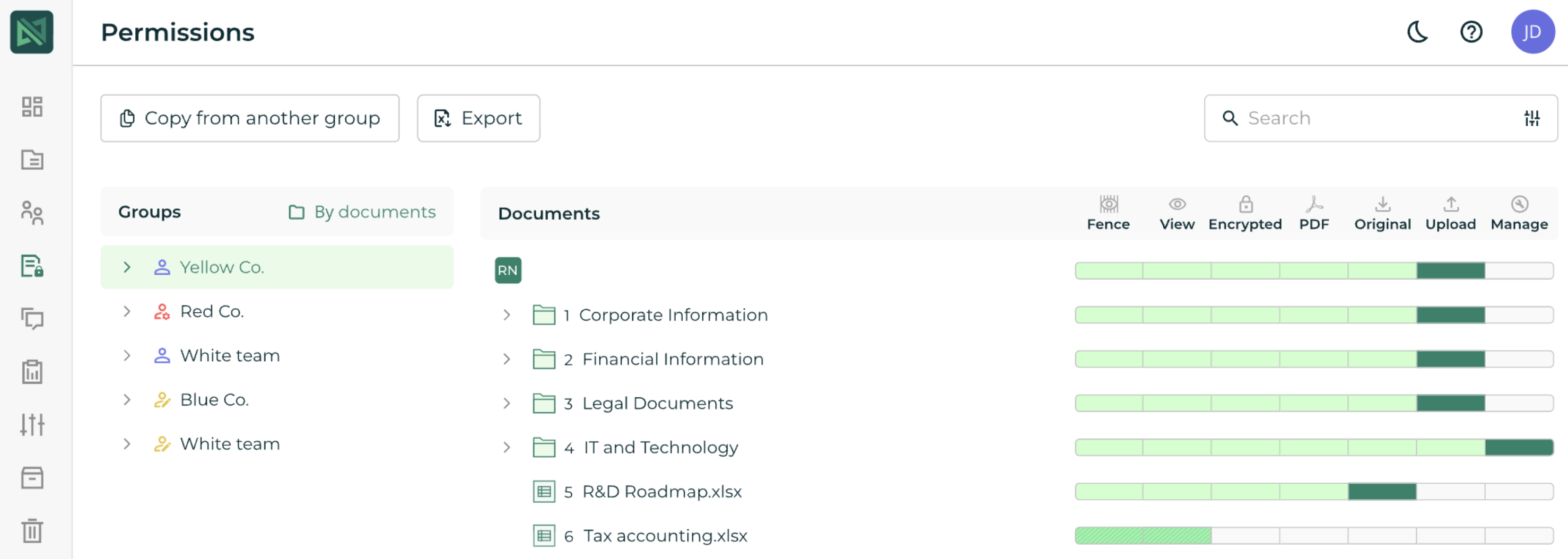
Ideals VDR is a secure virtual data room designed to manage and share sensitive business documents. It offers transparent, usage-based pricing with no hidden fees or per-page charges, so you always know what you’re paying.
Setup is straightforward, with an award-winning interface, 8 permission levels, and robust reporting for full oversight.
Security features include encryption, IP-based access controls, and Fence View to reduce the risks of screenshots and unauthorized viewing. Depending on the customer’s use case and configuration, these controls may also support GDPR, SOC 2, and HIPAA-related requirements.
With 9 global data centers and 24/7 expert support, Ideals keeps your deals on track from start to finish.
What Reddit users say
“Pricing was predictable, the permissions were simple and easily controllable, with no learning curve or surprise fees.” (Source)
“For my money, Ideals is the safest bet (strong audit trails, granular permissions, and M&A‑focused features without confusing non‑technical users).” (Source)
2. Dropbox
Official website: dropbox.com
| Free usage | 2 GB |
| Pricing | Starts at €9.99/month |
| Market segment | Small and middle |
| Top use cases | Noncommercial data management, personal file sharing |
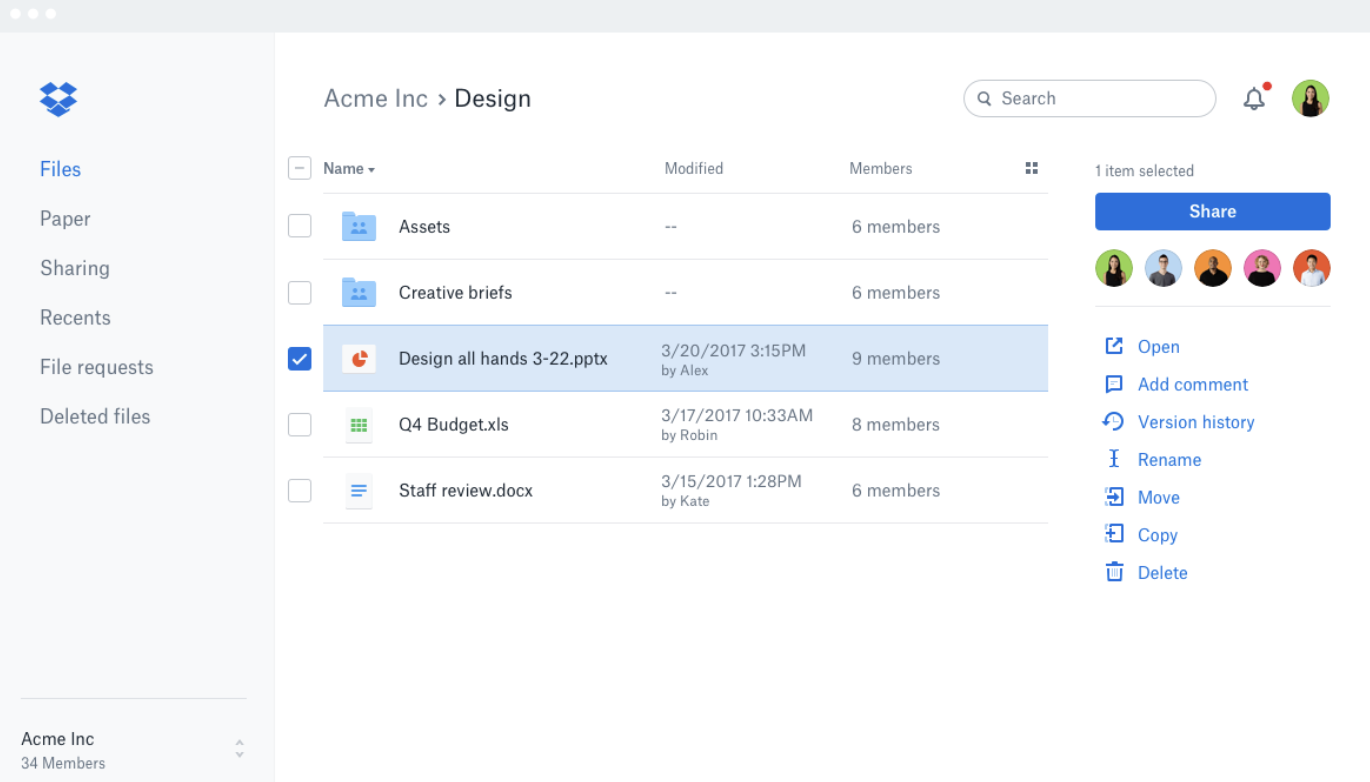
Dropbox is a cloud storage and collaboration platform trusted by over 700 million users and 575,000 teams. It keeps files organized in one shared workspace, supports previews for 175+ file types, and lets you find anything fast with AI-powered search.
Sharing content is straightforward, with access controls that vary by plan and configuration. Security includes encryption, two-factor authentication, and version history; users should verify advanced document controls by plan.
The platform is widely used by individuals and teams for everyday file management, though it is not specifically designed as a free VDR for complex transactions or advanced data room use cases.
What Reddit users say
“It’s constantly trying to trick me into thinking I need to upgrade my space.” (Source)
“Dropbox feels pretty expensive compared to the alternatives.” (Source)
3. Notion
Official website: notion.com
| Free usage | Unlimited pages and blocks, 5MB uploads, 10 guests, 7-day page history |
| Pricing | Plus starts at $10/user/month (annually); Business starts at $20/user/month (annually) |
| Market segment | Small and middle |
| Top use cases | Knowledge management, note-taking, team collaboration, project organization |
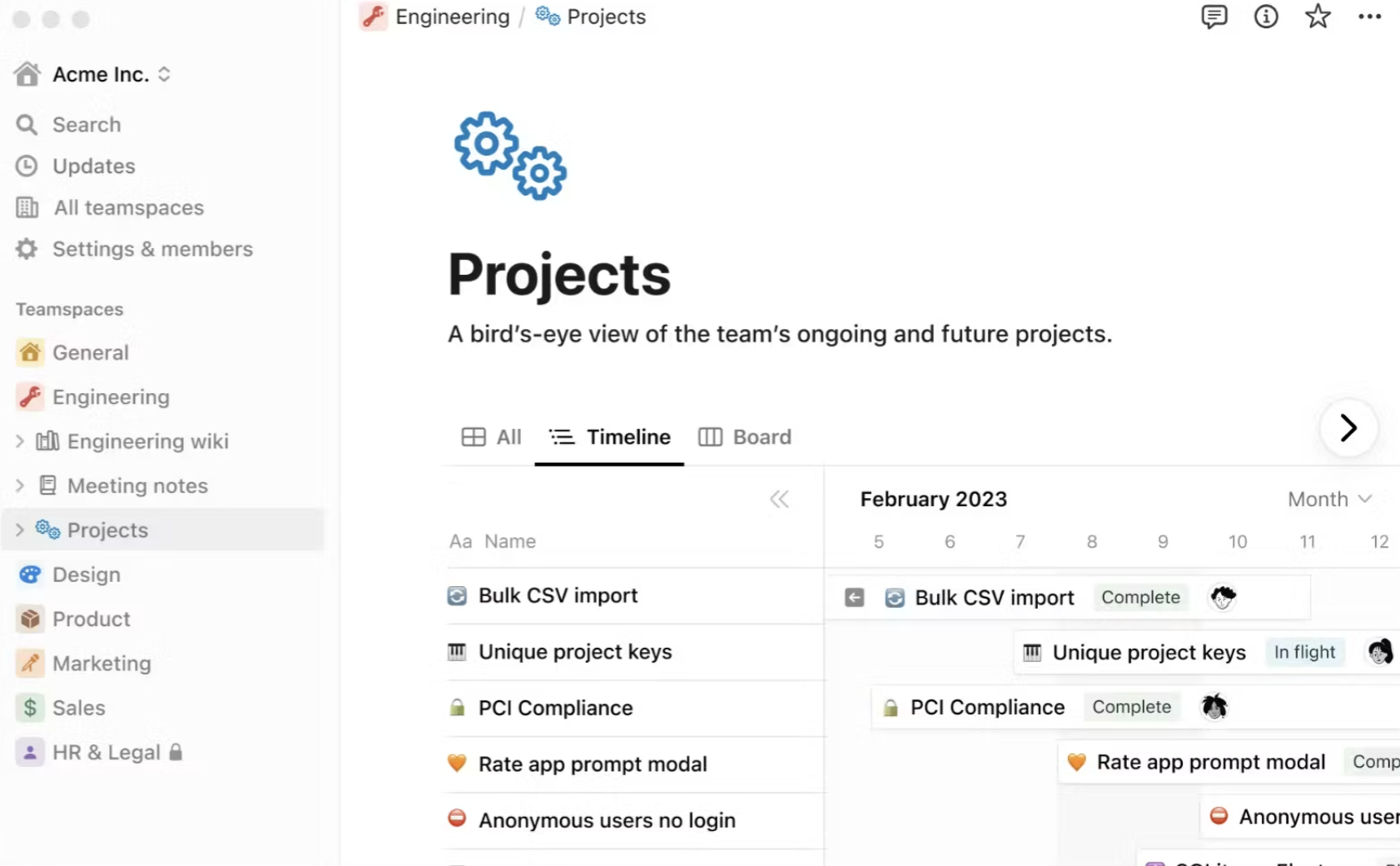
Notion is an all-in-one workspace that combines docs, databases, project management, and team collaboration in a single platform. It replaces multiple tools — from wikis and calendars to CRMs and site builders — helping teams stay organized with fewer apps.
Notion includes workspace AI and collaboration features, but it is not a purpose-built VDR with native deal Q&A, VDR audit reporting, or buyer-group workflows.
Plans range from a free tier for individuals to Business and Enterprise options with advanced security, SAML SSO, and compliance controls.
What Reddit users say
“Notion files are stored in a proprietary format on the cloud. They use AWS, and Notion has integrated AI. Those things combined result in me not trusting them with my data.” (Source)
“After several emails with what was clearly an AI support bot, I learned that if you cancel a paid subscription, Notion locks your account for a full year.” (Source)
4. Papermark
Official website: papermark.com
| Free usage | 1 user, 50 documents, 50 links, unlimited visitors, document sharing controls. |
| Pricing | €29/month(Pro plan); €99/month (Data Rooms) |
| Market segment | Small and middle |
| Top use cases | Document sharing, data rooms, analytics tracking, fundraising |
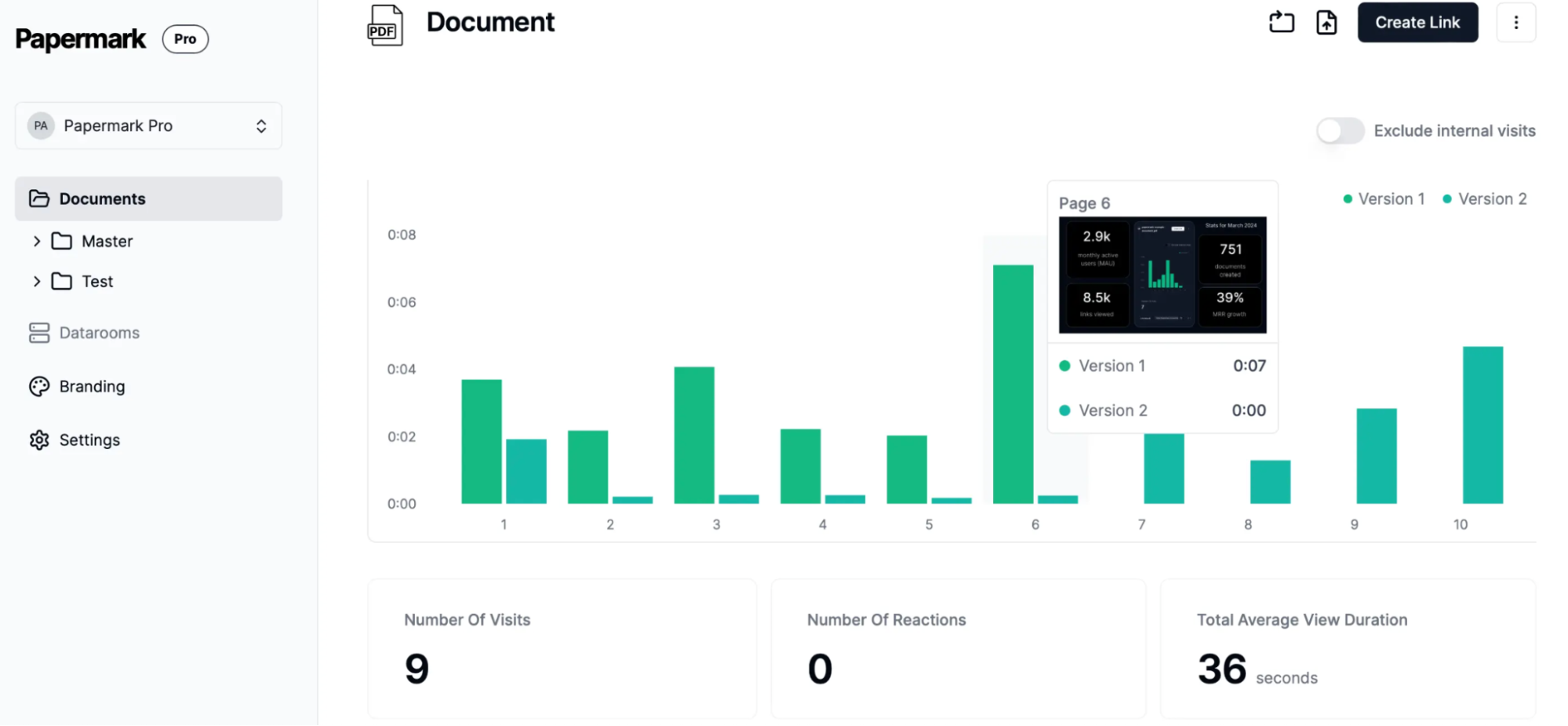
Papermark is a document-sharing and data room platform used for fundraising, diligence, and document analytics. Trusted by 60,000+ companies, it combines secure data rooms with detailed analytics, including page-level insights that show exactly which pages investors read and for how long.
Papermark’s Data Rooms features include dynamic watermarking, NDA agreements, granular file-level permissions, data room analytics, and custom domains.
Security features include AES-256 encryption and controls that may support GDPR, HIPAA, and CCPA-related requirements, depending on configuration and customer use case. Papermark can be self-hosted for personal, non-commercial use, but self-hosting does not include data rooms or advanced security features available in paid plans.
What Reddit users say
“I used Papermark in Spain and had no complaints. I’d say probably the best virtual data room option in Europe in general, global hosting, very good security, good permissions management and tracking for auditing, follow-ups.” (Source)
“I love Papermark for this. The tracking and analytics are amazing for due diligence, and in general, all the permissions and security settings work very well and intuitively.” (Source)
5. Google Drive
Official website: workspace.google.com
| Free usage | 15 GB |
| Pricing | $1.99/month (Basic 100 GB) |
| Market segment | Small and middle |
| Top use cases | File storage, document sharing, team collaboration, real-time editing |
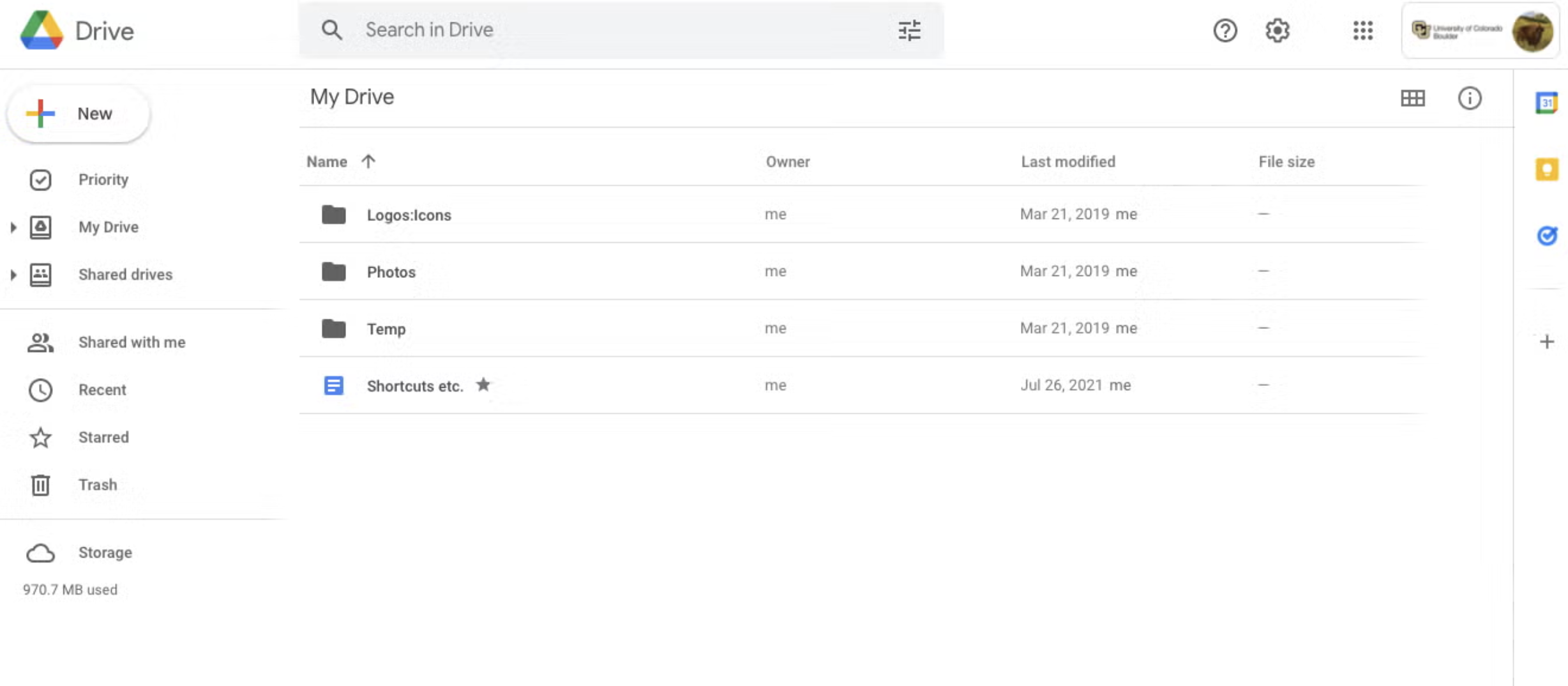
Google Drive is a cloud-based storage platform that keeps all your files in one place and makes real-time collaboration straightforward. It supports Google Docs, Sheets, and Slides, as well as Microsoft Office files, PDFs, and over 100 other file types, with an AI-powered search to quickly find content.
Gemini, Google’s built-in AI, can summarize documents, synthesize information, and retrieve facts across your files without manual searching. Sharing is flexible — customizable permissions, expiry dates, shared drives for teams, and electronic signature functionality may be available depending on the Google Workspace plan and rollout.
On the security side, Google Drive may offer advanced controls such as client-side encryption, classification, and security features on eligible Google Workspace plans; users should verify availability by plan. Gmail attachments can be saved directly to Drive. Storage scales as your needs grow, making it a practical free online data room for lighter use cases.
What Reddit users say
“In terms of group collaboration and file hosting or sharing, Google Drive is the way to go”. (Source)
“Dropbox is good too, but Google Drive is more intuitive and much better in the mobile version. The advantage is also that I can use Google files and Microsoft files at the same time if I need. I have a Notion account as well, but I have realized that I am much, much more efficient simply with Google Drive.” (Source)
6. OneDrive
Official website: microsoft.com
| Free usage | 5 GB |
| Pricing | $5/user/month annually for 1 TB storage (Business Plan 1) |
| Market segment | Small and middle |
| Top use cases | File storage, document sharing, backup, Microsoft 365 collaboration |
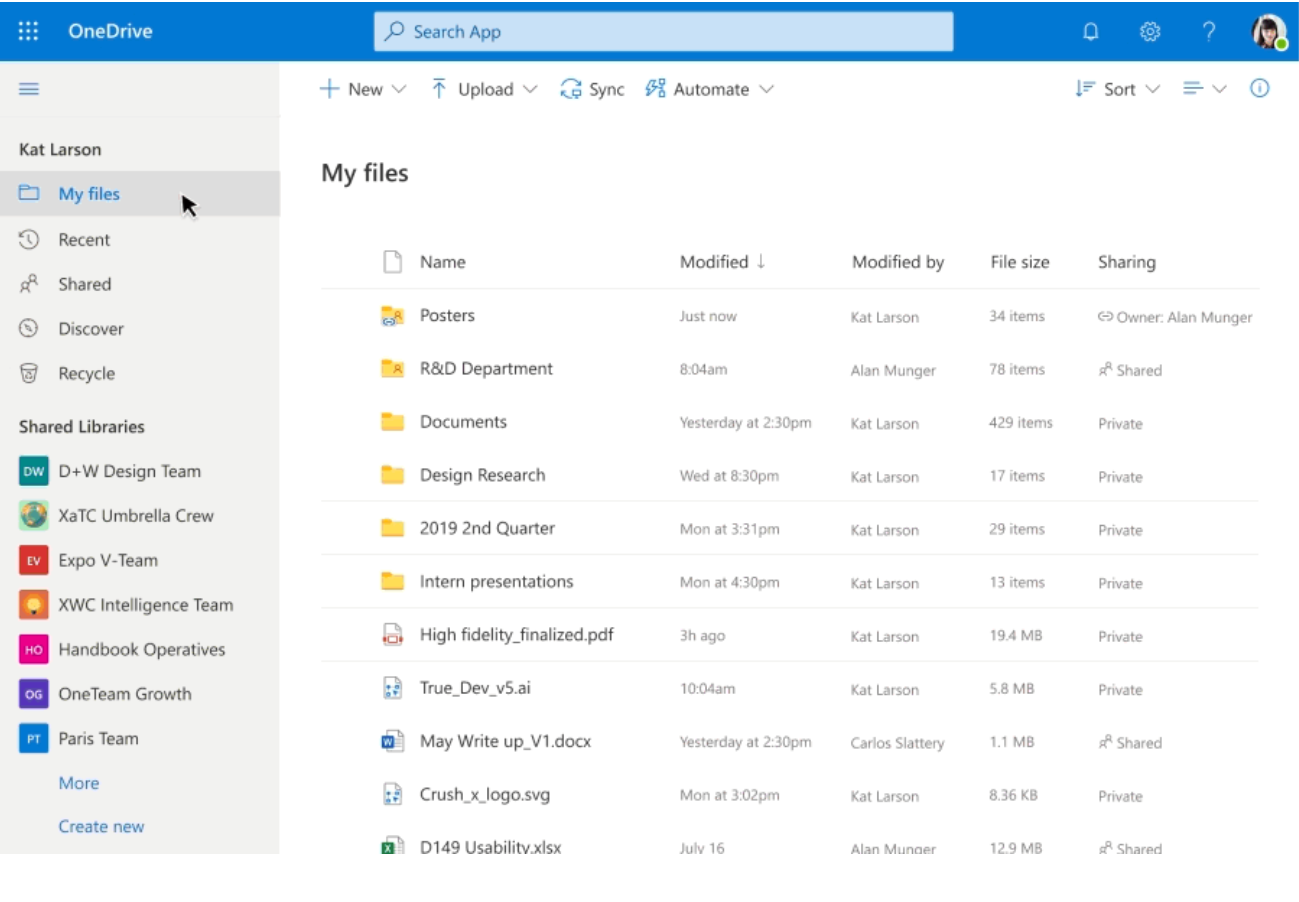
OneDrive is Microsoft’s cloud storage service that lets you back up, access, edit, share, and sync files from any device, including Windows PC, Mac, iOS, and Android. It integrates natively with Microsoft 365, enabling real-time collaboration on Word, Excel, and PowerPoint files.
Some Microsoft consumer plans include features such as Personal Vault and ransomware recovery, while the OneDrive for Business Plan 1 focuses on 1 TB of storage, secure file sharing, and business file management.
Although it’s an excellent solution for personal or non-critical file sharing, like Google Drive and Dropbox, OneDrive isn’t designed to serve as a dedicated free virtual data room for complex deal management.
What Reddit users say
“OneDrive is my main backup for photos and work files.” (Source)
“In a world of services that seem to go from 200 GB, straight to 2 TB, OneDrive stands alone in offering 1 TB, for a much more reasonable price. OneDrive is the most cost-effective option out of the user-friendly solutions.” (Source)
7. Koofr
Official website: koofr.eu
| Free usage | 10 GB |
| Pricing | Starts at €0.5/month |
| Market segment | Small and middle |
| Top use cases | File storage, backup, multi-cloud management, secure file sharing |
Koofr is a European cloud storage platform built around privacy. It doesn’t track your activities, uses no third-party analytics tools, and stores data in ISO 27001-certified, EU-based data centers that are fully GDPR-compliant.
Files are encrypted, stored in at least three separate locations, and never scanned or retained after deletion. For extra protection, Koofr Vault offers zero-knowledge client-side encryption, along with 2FA and passkey authentication.
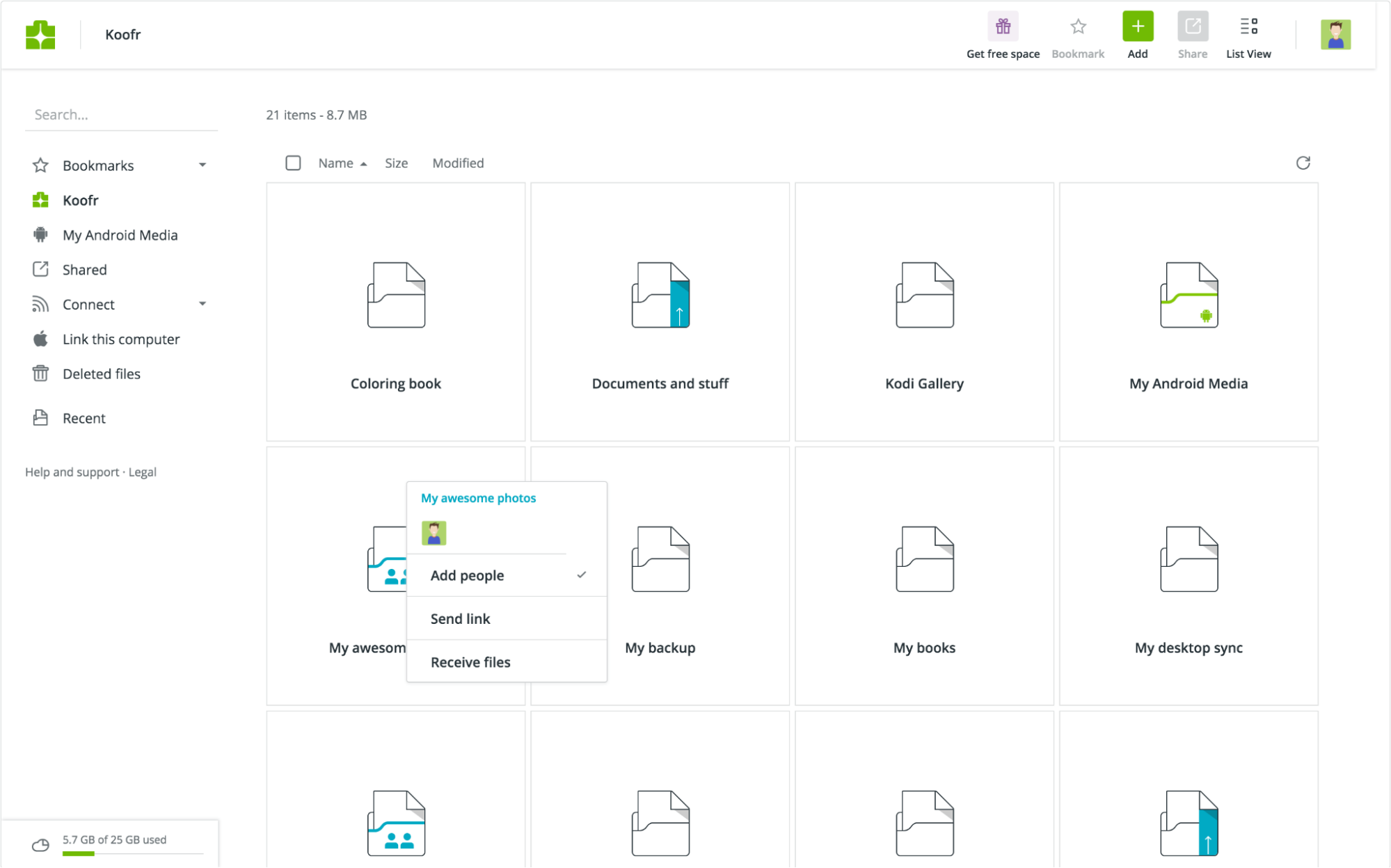
Koofr also connects your existing cloud accounts — Dropbox, Google Drive, and OneDrive — into one unified search, with no file size or type limits. Extra tools include a built-in image editor, real-time collaboration on Office documents, a duplicate file finder, and direct transfer of Facebook and Instagram photos.
What Reddit users say
“I’ve used the lifetime 1TB plan for several years. It’s been reliable and works well. I use it with Rclone and have no issues, other than speed. It’s definitely the slowest of the cloud storage providers”. (Source)
“I recently purchased 1 TB from Koofr. Before buying, I tested the service, and indeed both the upload speed to the account and the download speed from the account were extremely slow.” (Source)
When free virtual data rooms are the best choice
A paid VDR makes sense for complex deals. A free VDR works well when your needs are straightforward and the stakes are lower. Here’s when a data room software free option is worth considering:
- You’re just getting started. Early-stage startups sharing pitch decks or basic financials with a small number of investors typically do not require enterprise-grade features.
- The deal is simple. A single transaction with limited documents and a short timeline can often be handled without a paid plan.
- You’re testing the platform. Free trials and free VDR options let you explore the interface and features before committing to a subscription.
- Your team is small. If only a handful of people need access, a free tier usually covers the basics.
- Budget is tight. For nonprofits, bootstrapped businesses, or one-off projects, free tools reduce overhead without sacrificing too much functionality.
- You don’t need advanced controls. If granular permissions, detailed audit logs, or custom branding are not essential, a free plan often does the job.
The key is matching the tool to the situation. Overpaying for features you don’t use is just as inefficient as outgrowing a free plan mid-deal.
Conclusion
Choosing the right tool comes down to what you actually need. If you’re managing sensitive transactions, conducting due diligence, or sharing confidential documents with multiple parties, Ideals or Papermark provides the security and control the situation demands.
For everyday file storage and team collaboration, Google Drive, Dropbox, OneDrive, or Notion will cover most use cases without the added complexity. Koofr is worth considering if privacy and EU data sovereignty are priorities.
Most platforms on this list offer either a free plan, free cloud storage, or a trial, so you can test before committing. Start with your use case, match it to the right tool, and scale up when needed.
FAQs
What are the limitations of free vs. paid data rooms?
Free data room and cloud-storage options may offer basic secure file sharing, but password protection and activity controls vary by provider and plan. For a serious due diligence process involving sensitive data and multiple business partners, paid plans may offer stronger security, compliance-related controls, and collaboration features required for sensitive workflows.
What features should a free data room include?
At a minimum, a free data room should include data encryption, secure links, password protection, bulk file upload, and customizable access permissions to keep confidential files protected. Basic document management, file recovery, and seamless collaboration with external parties are also worth looking for before committing to a platform.
What is an open-source data room?
An open-source data room is a platform where the underlying code is publicly available, allowing teams to self-host it and maintain full control over their data storage and infrastructure. This suits organizations with strict data protection or regulatory compliance requirements, though setup requires technical resources and relies on community support rather than dedicated service.
Can I use Google Drive instead of a data room?
Google Drive works well for everyday collaboration and free storage, but it lacks the robust controls needed for sharing confidential information in high-stakes transactions — things like detailed audit trails, document tracking, and advanced security features. For capital raising, M&A, or any due diligence process, a purpose-built data room is the more appropriate choice.